
Transform your smartphone into a client command center
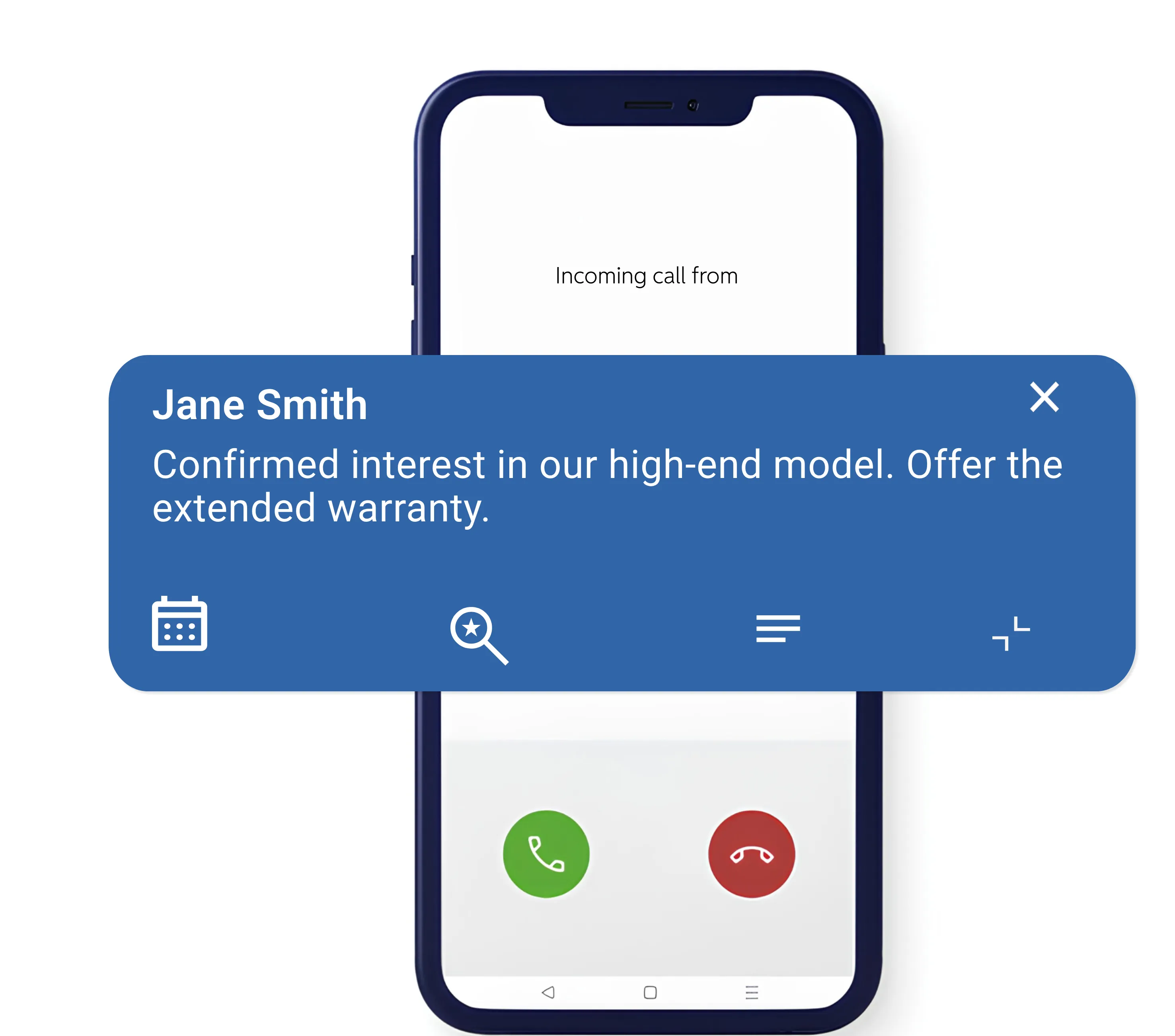
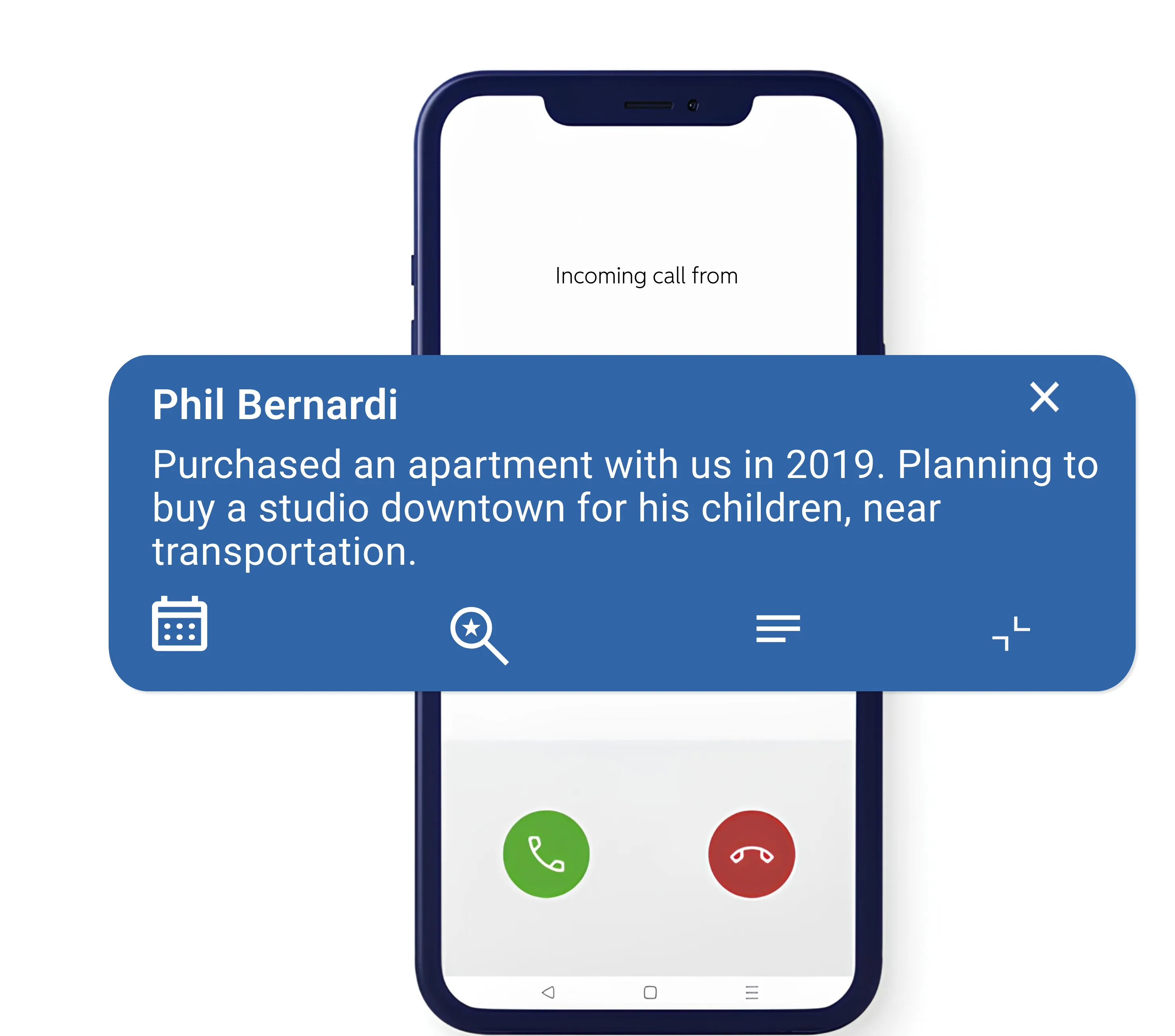
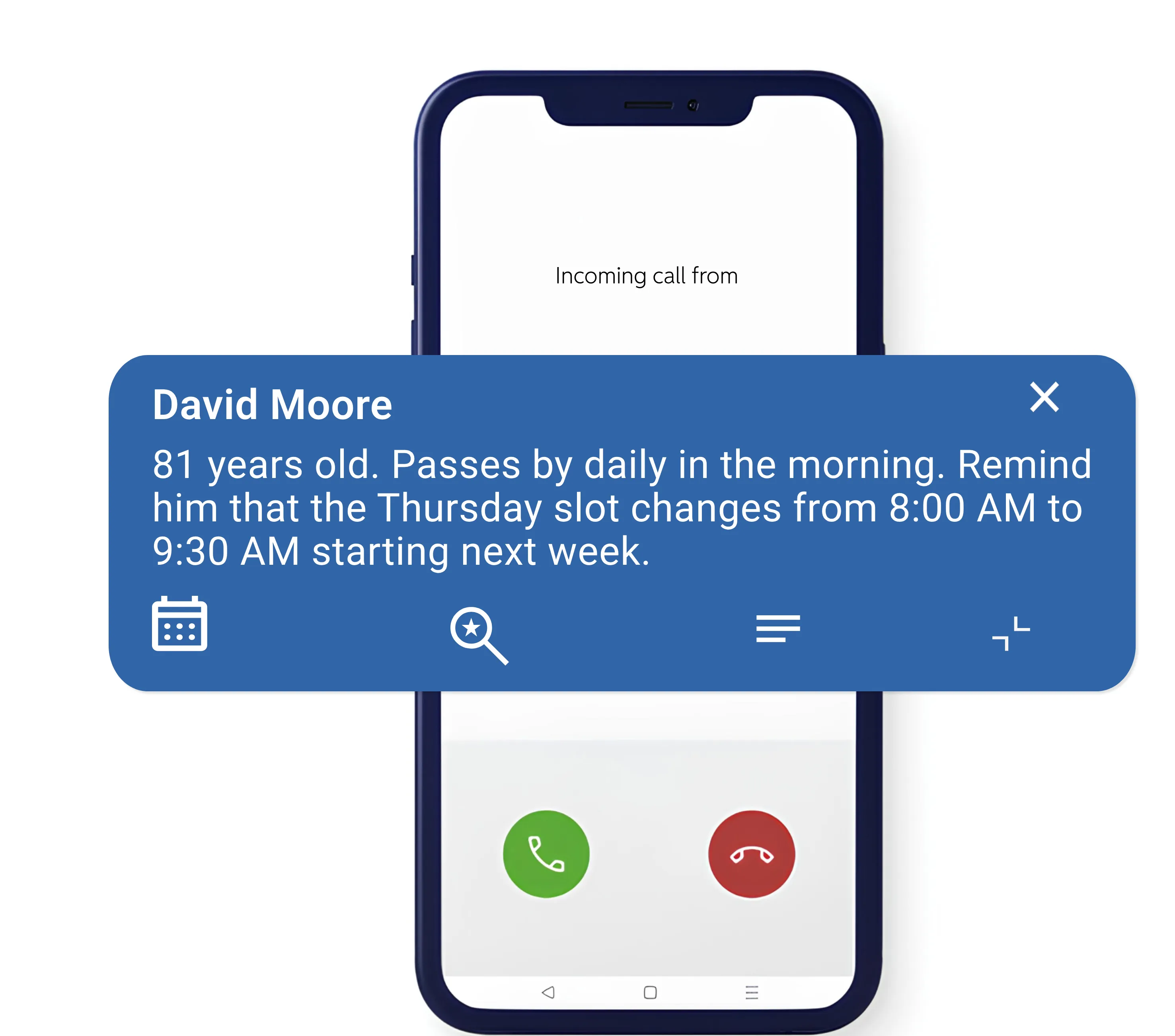
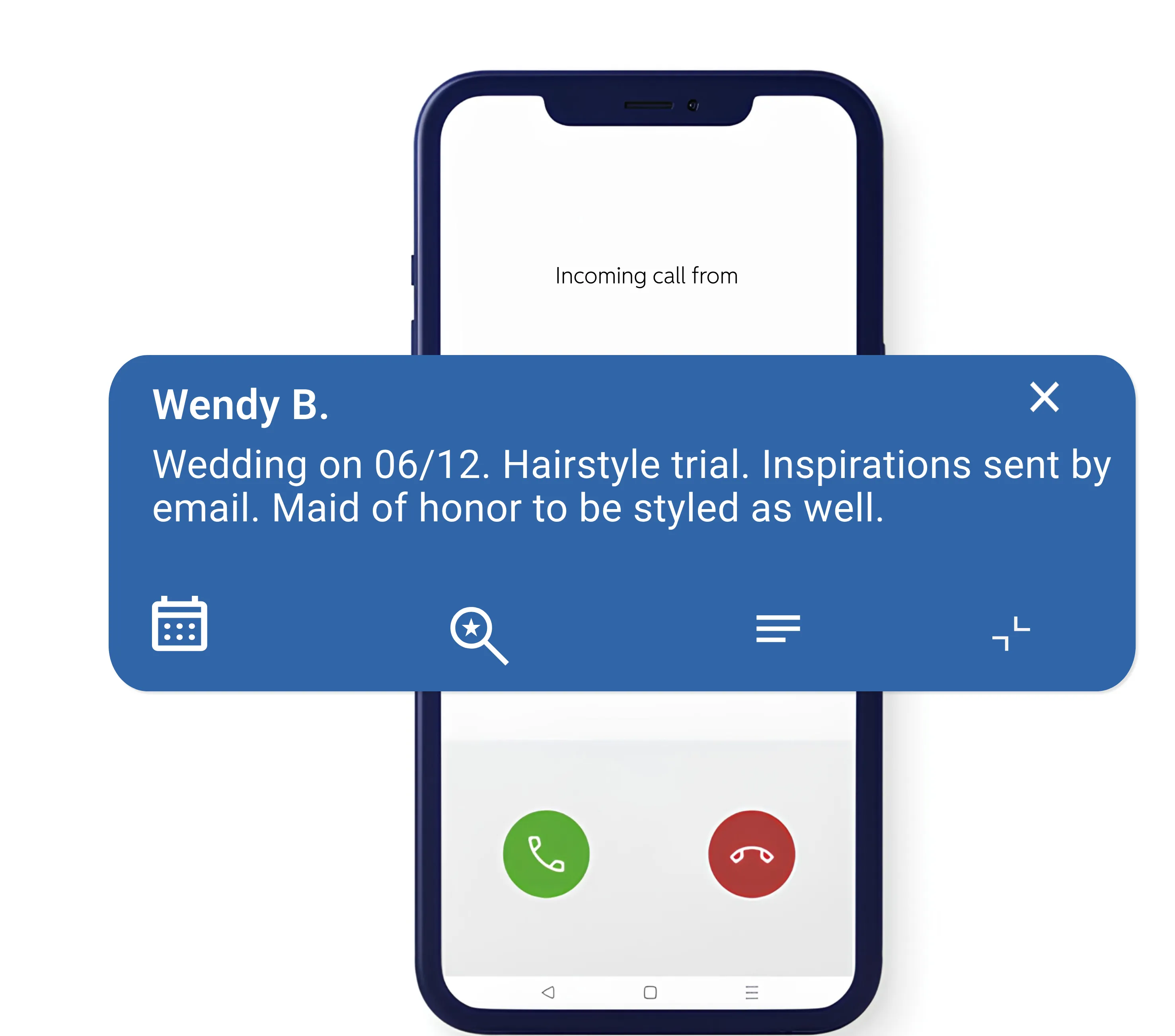
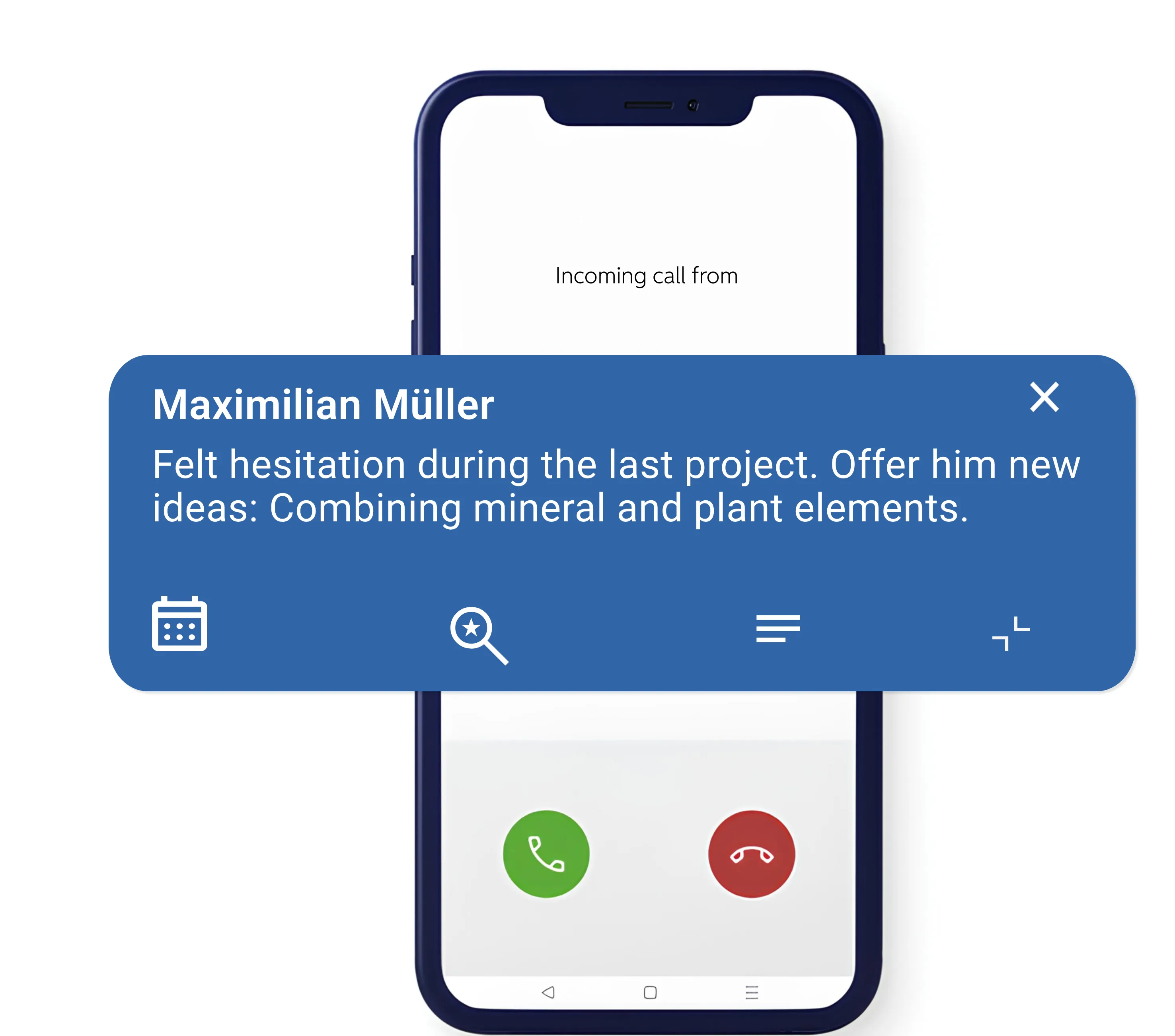
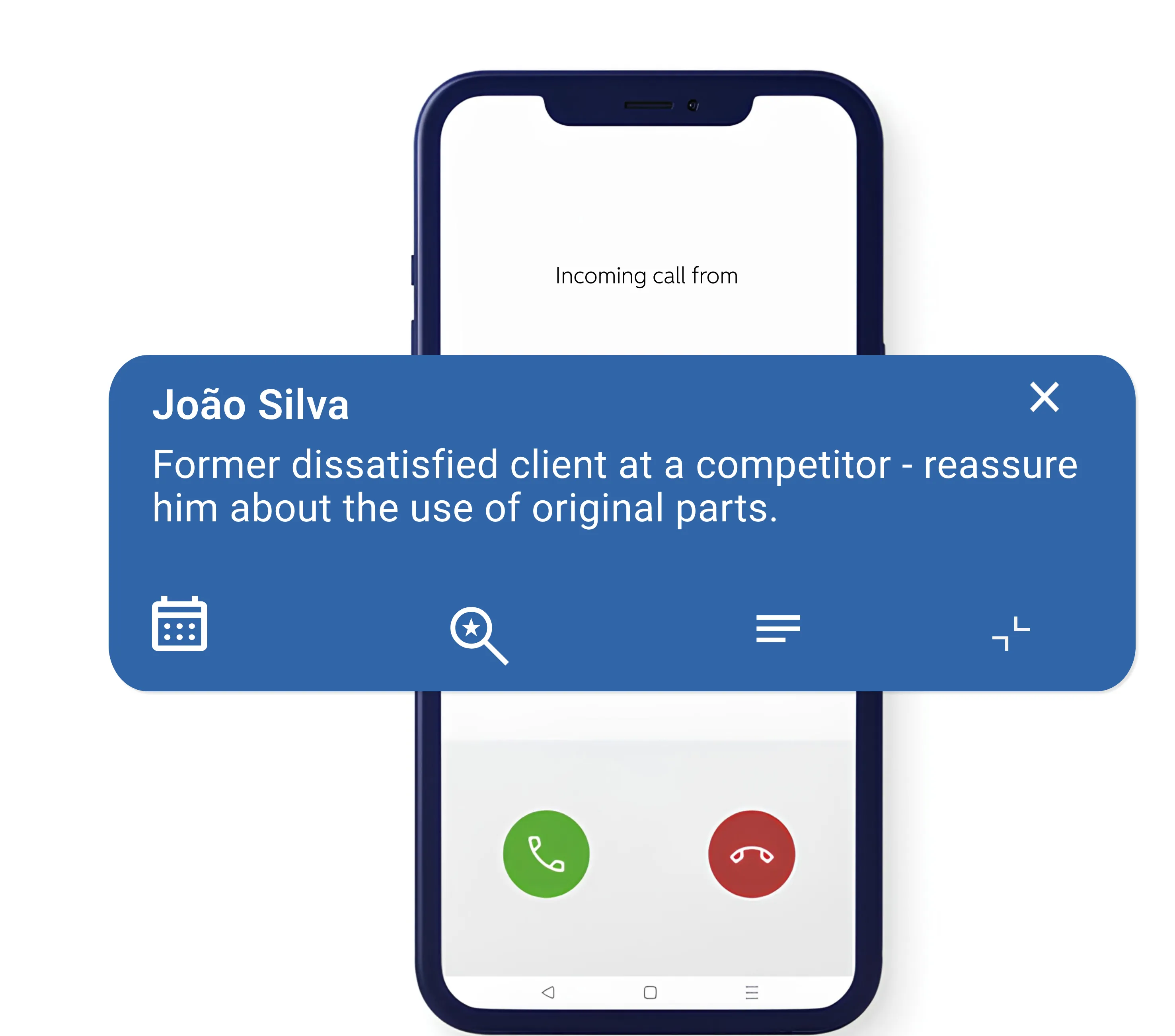
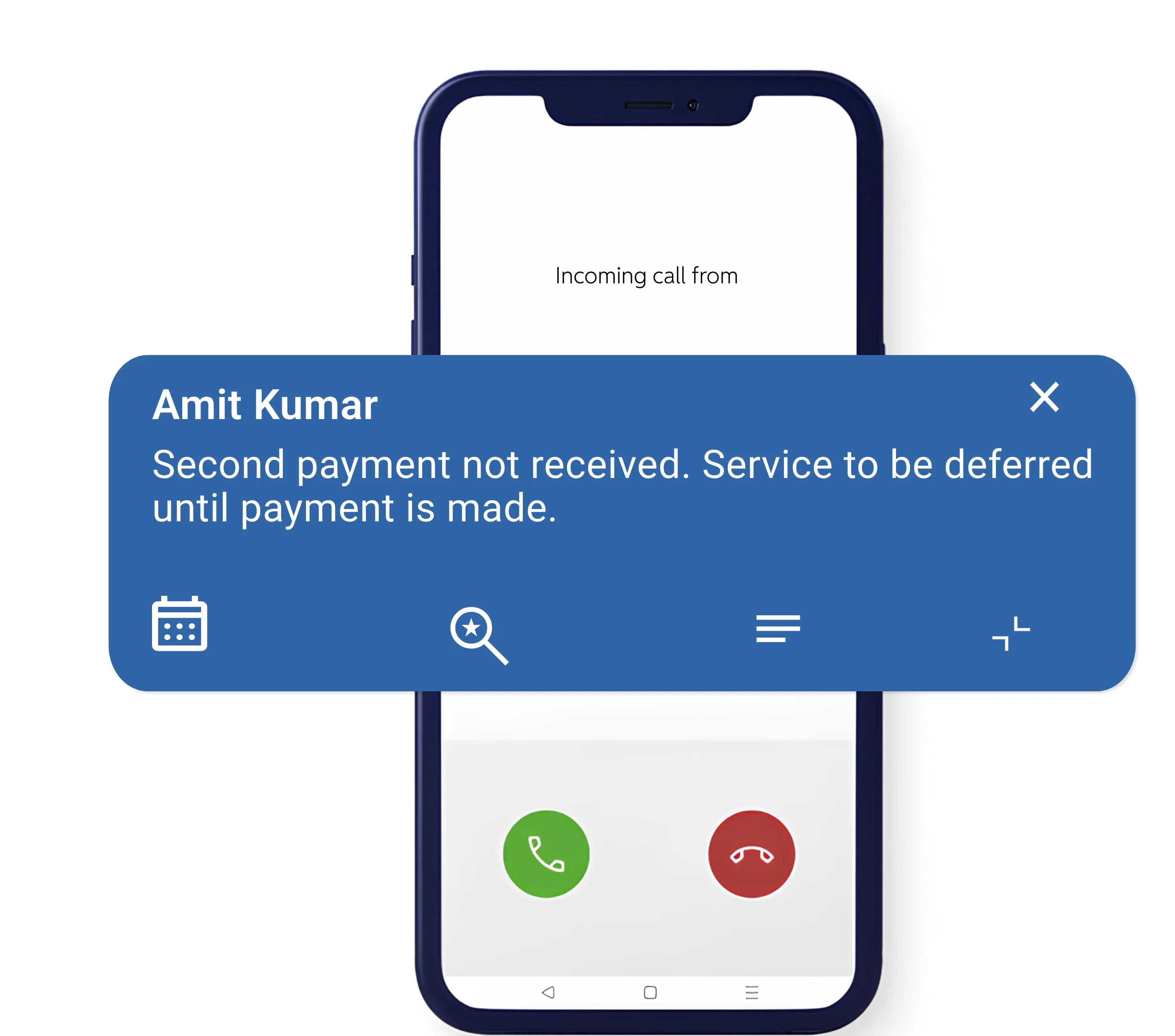
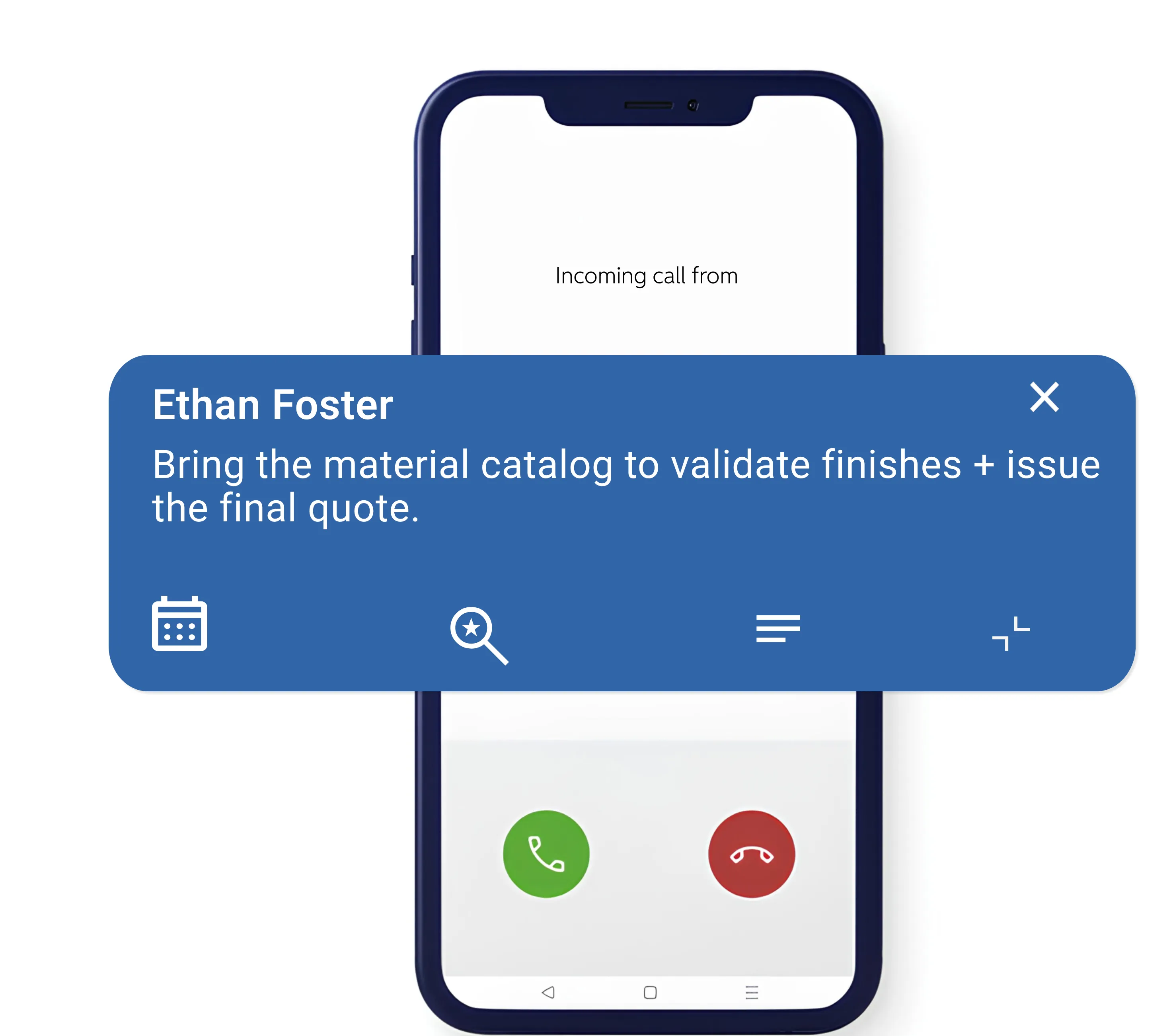
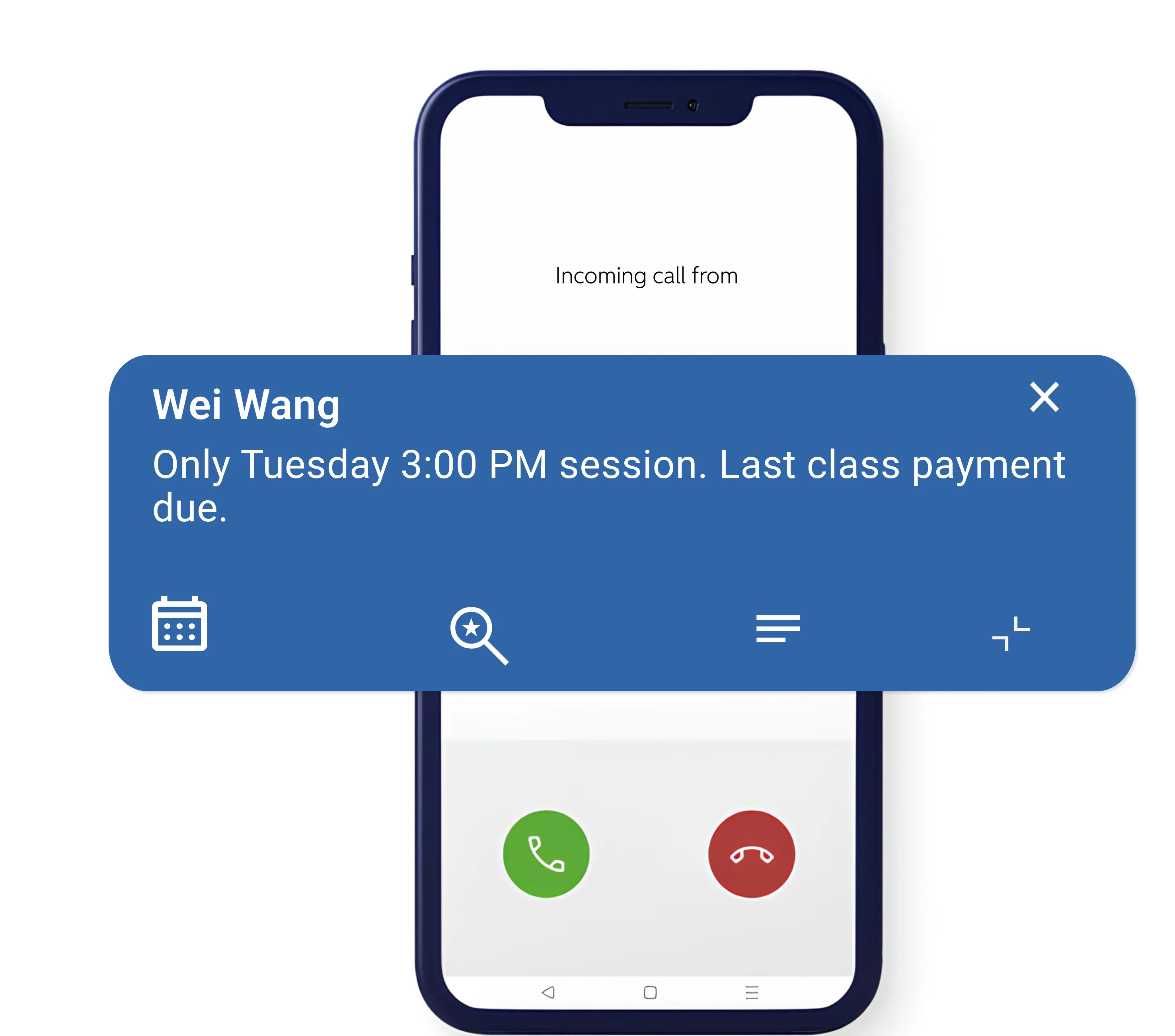
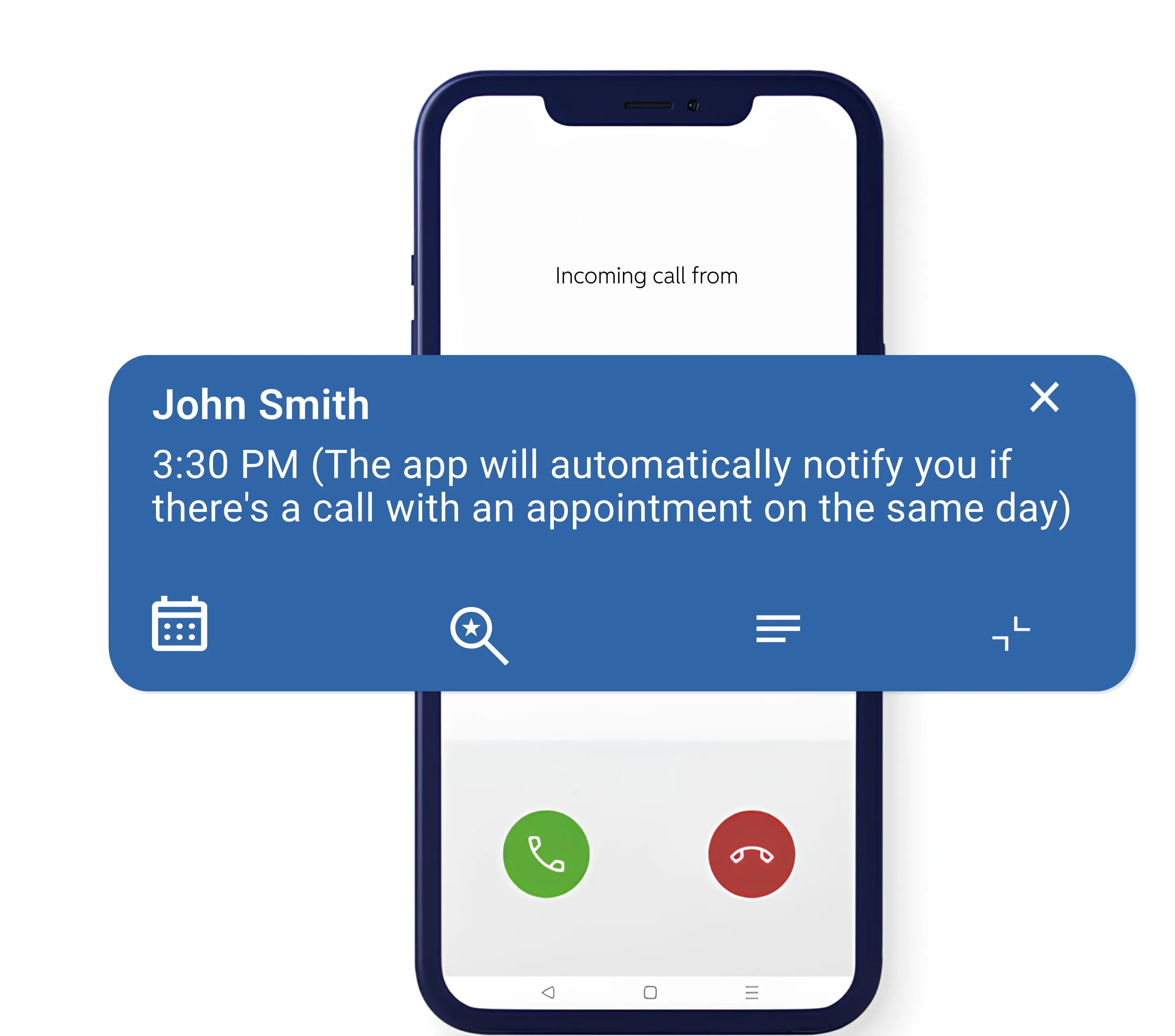
For your saved contacts, notes appear instantly so you have all the context you need before you even answer the call.
For an unknown caller, the app lets you capture key information during the conversation. The next time they call, you'll immediately have the context needed to continue the discussion naturally.
Beyond the immediate benefit, you'll gradually build a strategic contact database. With every call, you can enrich each contact with valuable details and insights.
Over the years, you'll create a highly valuable network of contacts, always accessible on your phone and ready to support you throughout your professional journey.



The app that gives your phone superpowers
A fair offer for professionals
You need a structuring tool that works on your mobile but is also accessible on your computer
Other solutions
- Loss of the human relationship on which trust is built
- You are captive (your contact base is registered on a platform you do not own)
- Increasingly expensive subscriptions
- Risk of data leaks
The human touch at the heart of relationships
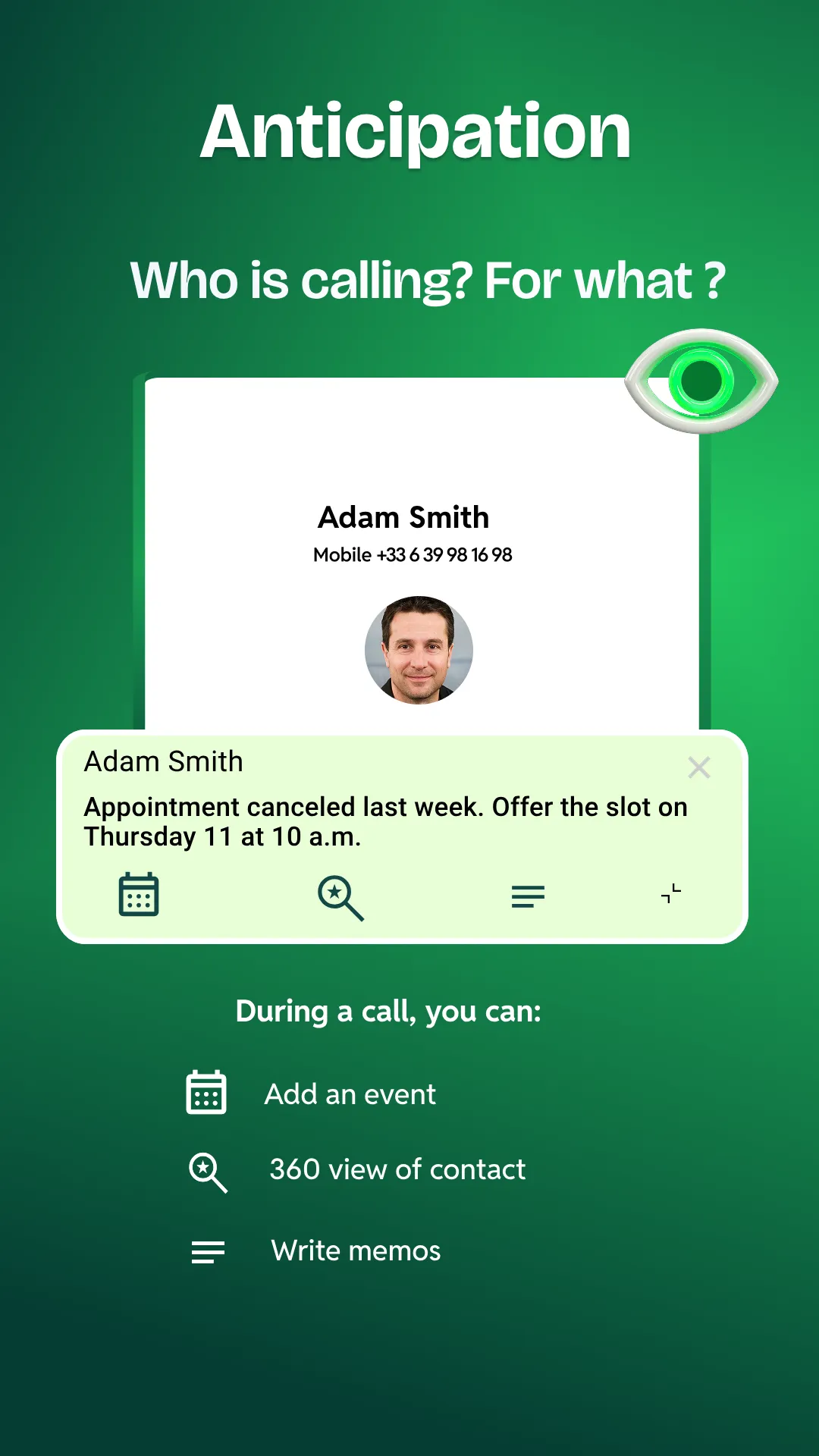
- Floating window with name, notes, and contact details
- Free version with anti-spam and information bubble
- Integrated agenda with quick appointment booking
- The essentials, done right,without hidden fees, without data exploitation.
Booking appointments from your phone has never been so easy.
The call-management solution for independents and professional practices.